Announce
This is where you come to learn about the latest newsworthy features, offers and general announcements.
Participation in the Newsworthy.ai community requires a Newsworthy.ai account.

We just added the ability to add file attachments to your press release. You can now include Powerpoint, Doc, PDF, MP4, MP3, ePub and more to your press release.


Did you know?
We made it easier than ever before for you to become a News Curator. No need to join some costly council for the chance to weigh in on the News. Just head over to NewsCrafters.com and become a news curator. It is free and builds your influence.
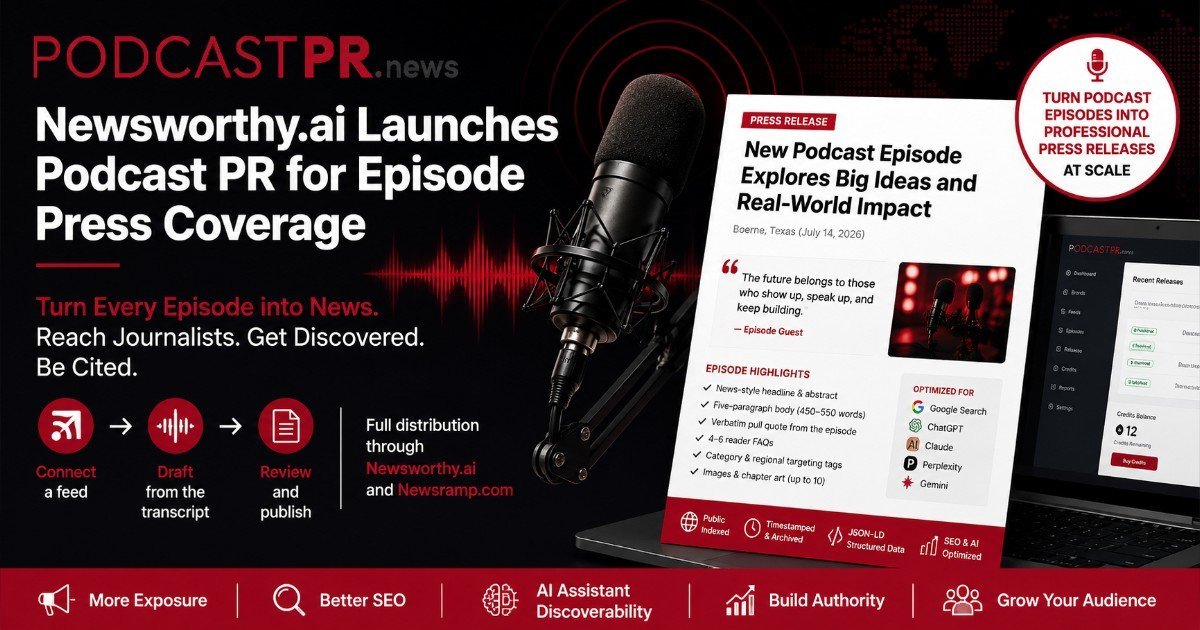
We recently launched PodcastPR.news to help podcasters gain more media and listerner attention for their podcast. Simly upload your podcast feed and we will queue up a press release everytime our system spots a new episode.
The most set it and forget it method for promoting your podcasts.
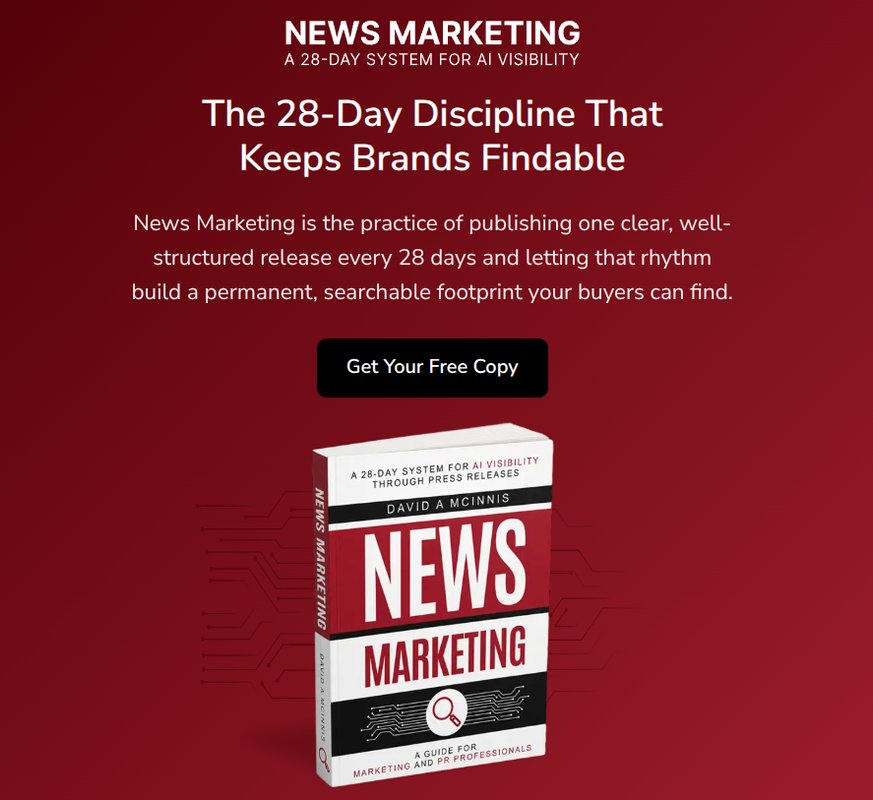
I am pleased to announce the pre Amazon release of my new book, News Marketing. Go ahead and snag your free copy today while it is still free. News Marketing
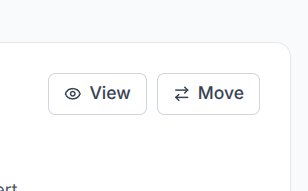
Move Press Release to Different Brand
A special thanks to Lindsay and Maria for this suggestion, If you have started using Newsworthy like most users you have likely pushed all of your press releases through a single brand. If you would like to better organize your releases by Brand (Company, organizaiton, etc), you can do so by clicking Move in the press release listing dashboard.
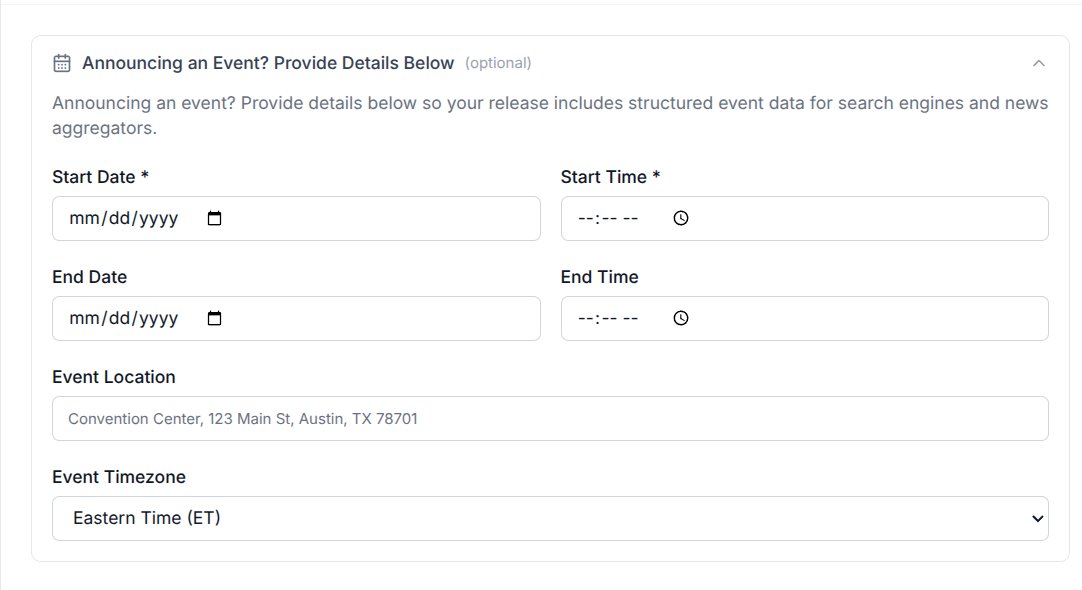
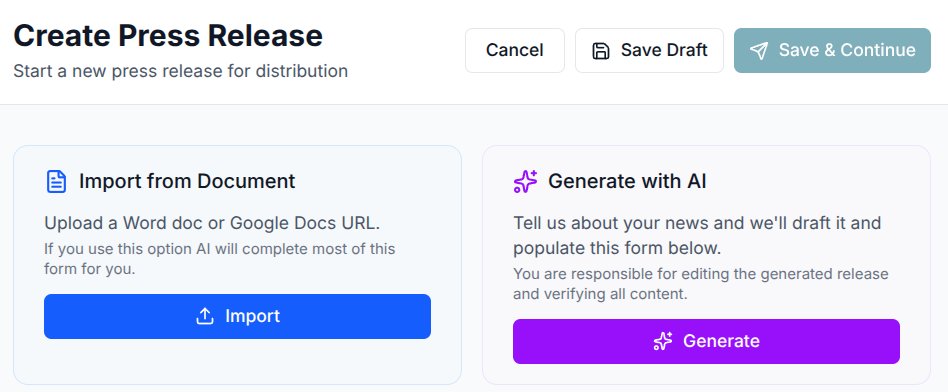
Newsworthy.ai now supports Google Docs and Microsoft Word.
Simply provide your Google Doc link or upload your Word file, and our system will automatically populate the intake form for you. All you have to do is set the distribution date.
Don’t have a press release yet? Complete our AI form, and we’ll generate a draft for you with all the details prefilled. Just be sure to review the draft for accuracy.
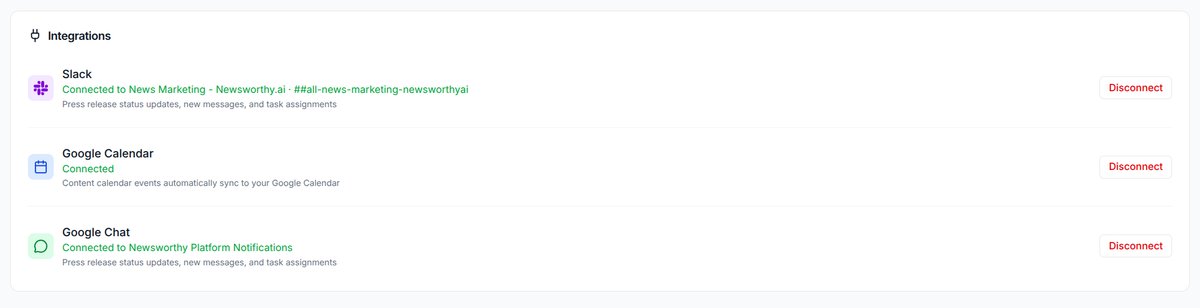
Integrations, Oh My!
Connect your account to Google Chat, Slack and receive realtime updates on changes to your press release status or other platform messages. Connect your google calendar and when you update your editorial calendar here, it will sync to your Google Calendar.
Go to My Profile Settings to make these connections.
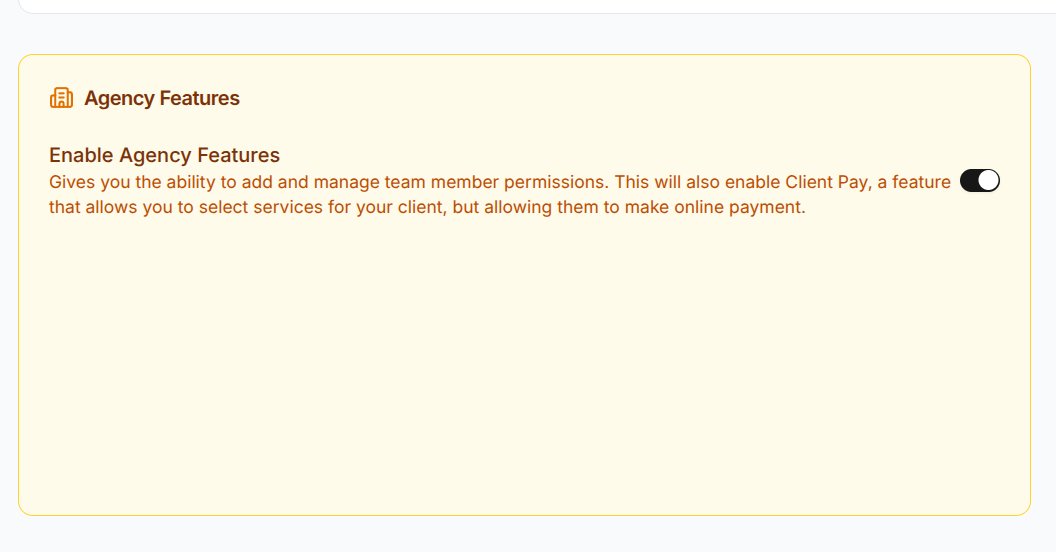
Team Members
- Brand Admins can do nearly anything you can do with your account, but only for the brand you assign them to.
- Collaborators can credit and edit press releases for the brand they are assigned to.
- Client access is for those team members with read only access for the brand they are allowed to access. For example, clients, other department heads, etc.
Let us know how you are using this new feature in the comments below.
Join the conversation— log in to Newsworthy.ai to post, comment, and connect.